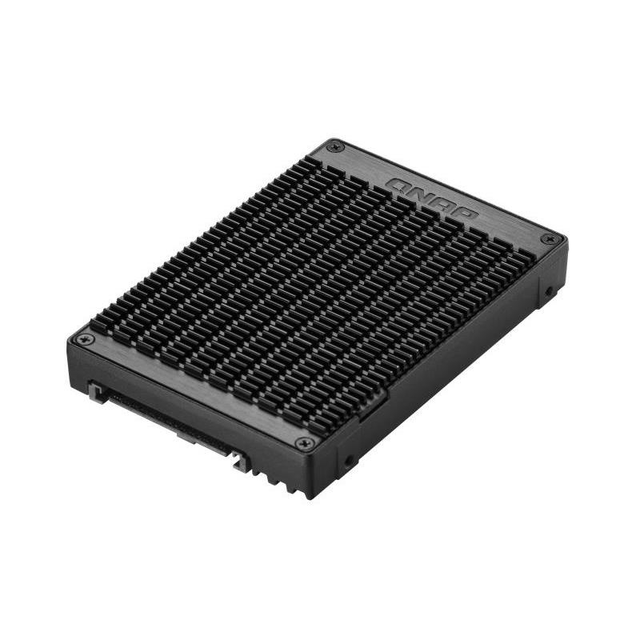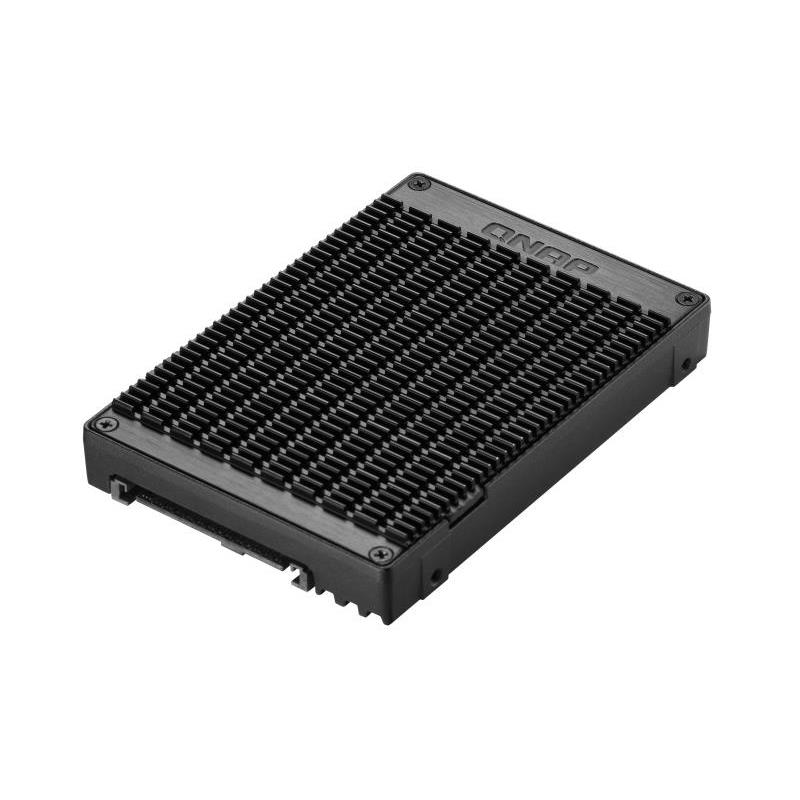
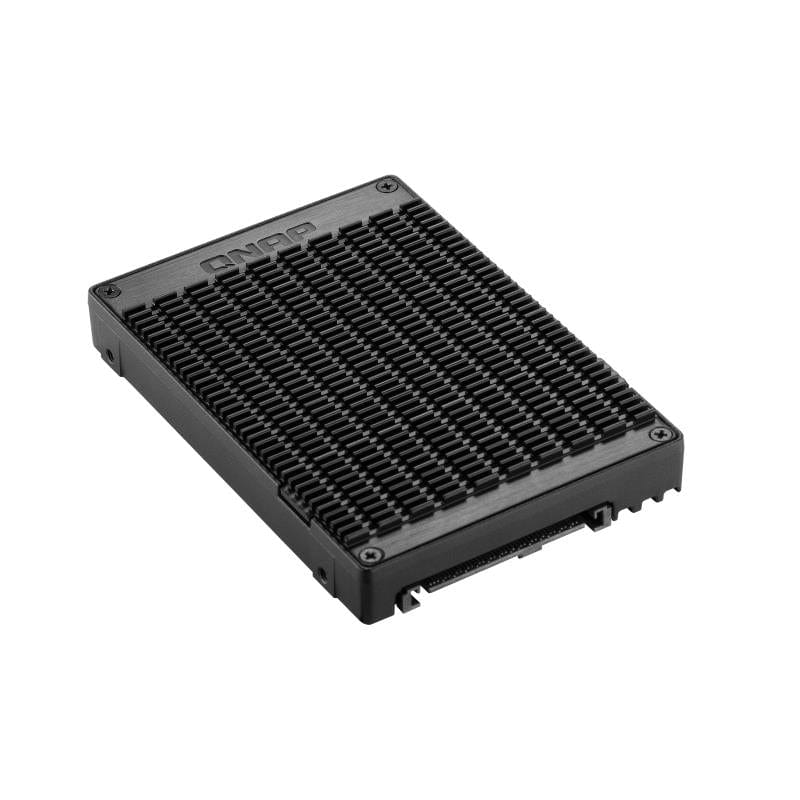
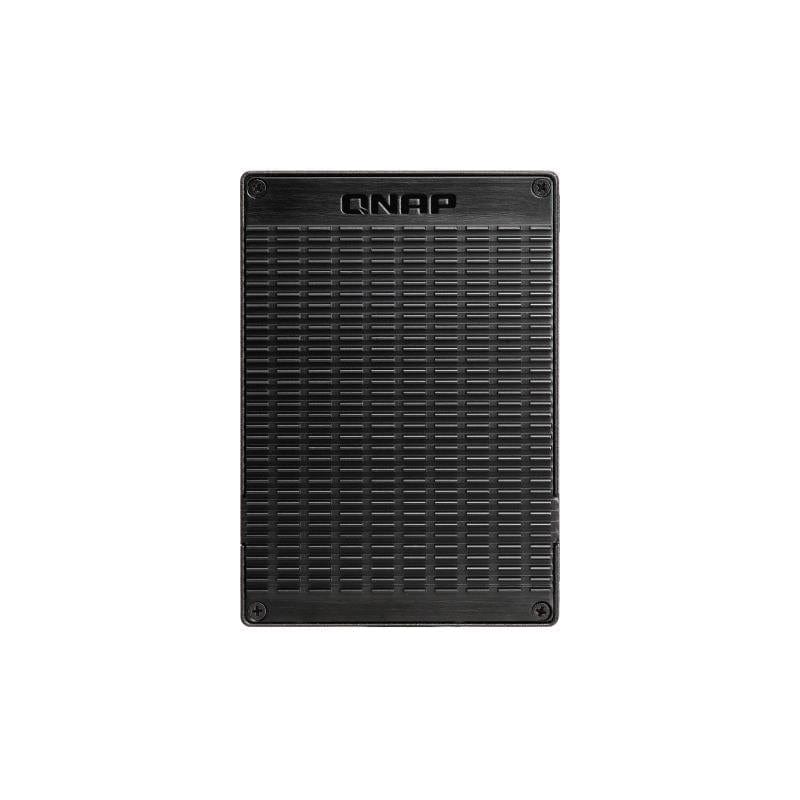
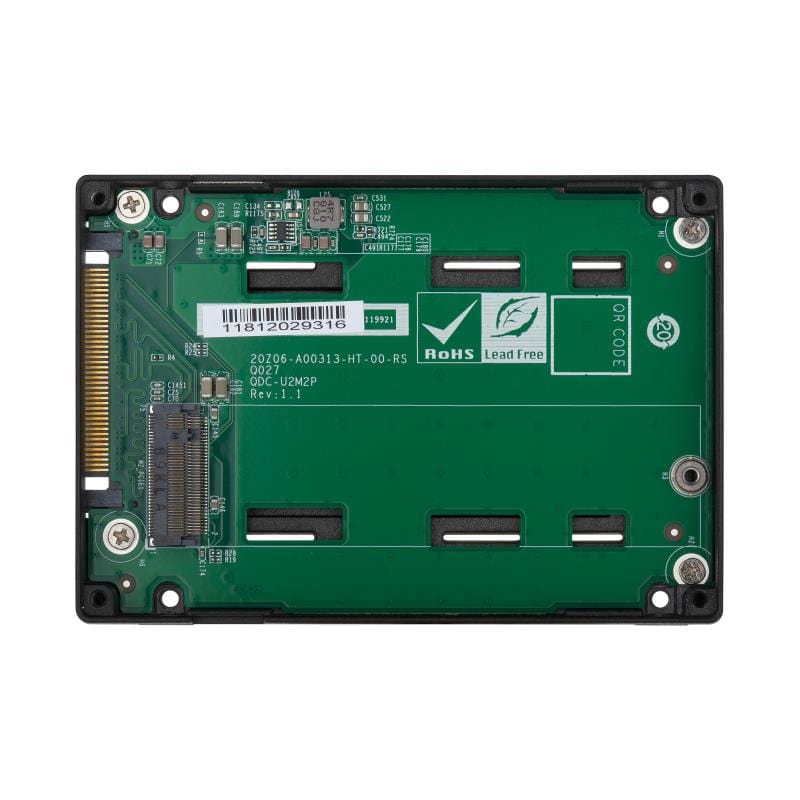
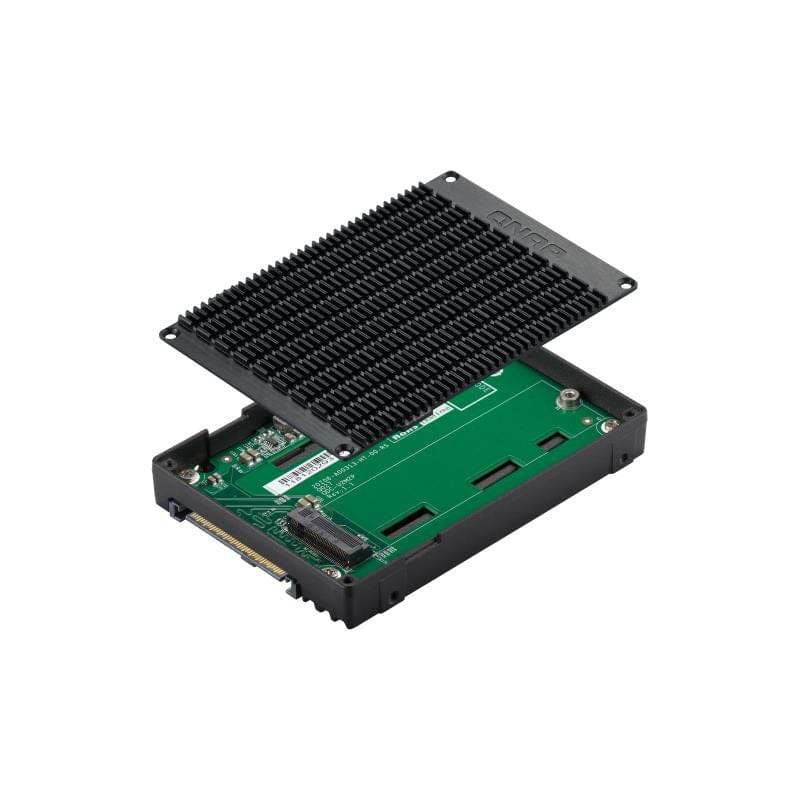
QNAP QDA storage drive enclosure SSD Black QDA-UMP
QNAP QDA storage drive enclosure SSD Black QDA-UMP is backordered and will ship as soon as it is back in stock.
Delivery and Shipping
Delivery and Shipping
* Fast Delivery Available - Learn more about FirstShop delivery
Easy Returns
Easy Returns
Buy With Confidence. 14 Day Returns. Online. Learn More
Price Match Guarantee
Price Match Guarantee
Found a Better Price? We'll Match It - Guaranteed - Learn More

QNAP QDA storage drive enclosure SSD Black QDA-UMP is backordered and will ship as soon as it is back in stock.
Description
Description
QNAP QDA storage drive enclosure SSD Black
QNAP QDA-UMP. Product type: SSD enclosure. Number of storage drives supported: 1, Storage drive size: U.2, Supported storage drive interfaces: M.2,PCI Express 3.0. Product colour: Black
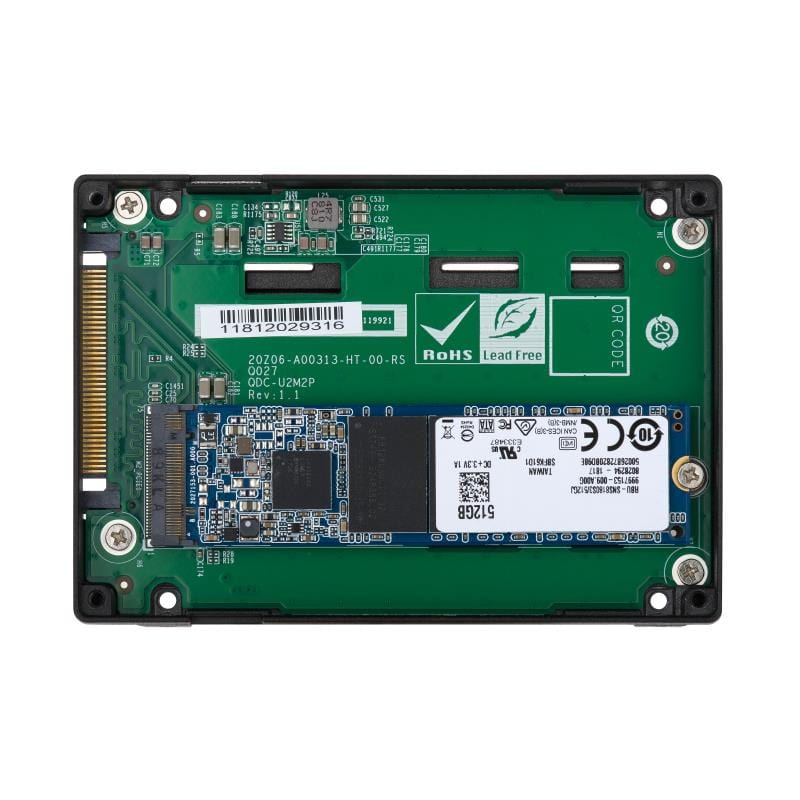
Use an M.2 PCIe NVMe SSD in a U.2 PCIe NVMe SSD drive bay for PC and NAS:
The QDA-UMP can accommodate an M.2 PCIe 3.0 x4 NVMe SSD within a 2.5-inch U.2 (SFF-8639) PCIe 3.0 x4 NVMe SSD drive bay. No software driver is required for the QDA-UMP, and it can be installed in a PC/workstation (Windows®, Linux®) or QNAP NAS to replace an expensive U.2 SSD with a more-affordable M.2 SSD.
High-quality construction for better heat dissipation:
The M.2 SSD thermal pads and aluminum-alloy metal frame assist in dissipating heat from the M.2 SSD to ensure high performance.
Install in a PC/workstation for higher performance with lower costs:
Use the QDA-UMP to install a M.2 SSD in the 2.5-inch U.2 SSD tray of a high-end PC/workstation (Windows® or Linux®), and easily deal with tasks that require intensive data transmission (such as on-the-fly video editing, server-grade applications, or online gaming). Users can use utilities from their SSD manufacturer or third-party providers (for example: CrystalDiskInfo) to view the health status of the installed SSD.
Maintain high performance with cost savings:
Use the QDA-UMP to replace U.2 NVMe SSD with M.2 NVMe SSD and maintain high-level performance.
Install in QNAP NAS for efficient yet cost-effective storage:
Install one or more QDA-UMP in a NAS to maximize PCIe bandwidth utilization in a cost-effective way by using M.2 SSD instead of expensive U.2 SSD for optimizing data-intensive applications. It can also boost IOPS performance when configuring SSD caching. Users can monitor drive health and manage SSD usage from the QTS Storage & Snapshots Manager.
Payment & Security
Payment methods
Your payment information is processed securely. We do not store credit card details nor have access to your credit card information.